Description
Brave Beta APK is the testing version of the Brave Browser that allows users to access upcoming features before they are released in the stable version. It is designed for users who want to experience the latest improvements, privacy tools, and browser updates while helping developers identify bugs and performance issues. Brave Beta can run alongside the regular Brave Browser, making it ideal for testing without affecting your main browsing experience.
What is Brave Beta APK?
Brave Beta APK is an early release version of the Brave Browser developed by Brave Software. It offers new features, security improvements, and interface updates before they reach the stable release. Although it is generally reliable for everyday use, occasional bugs and instability may occur because features are still being tested. Try this games like Minecraft.
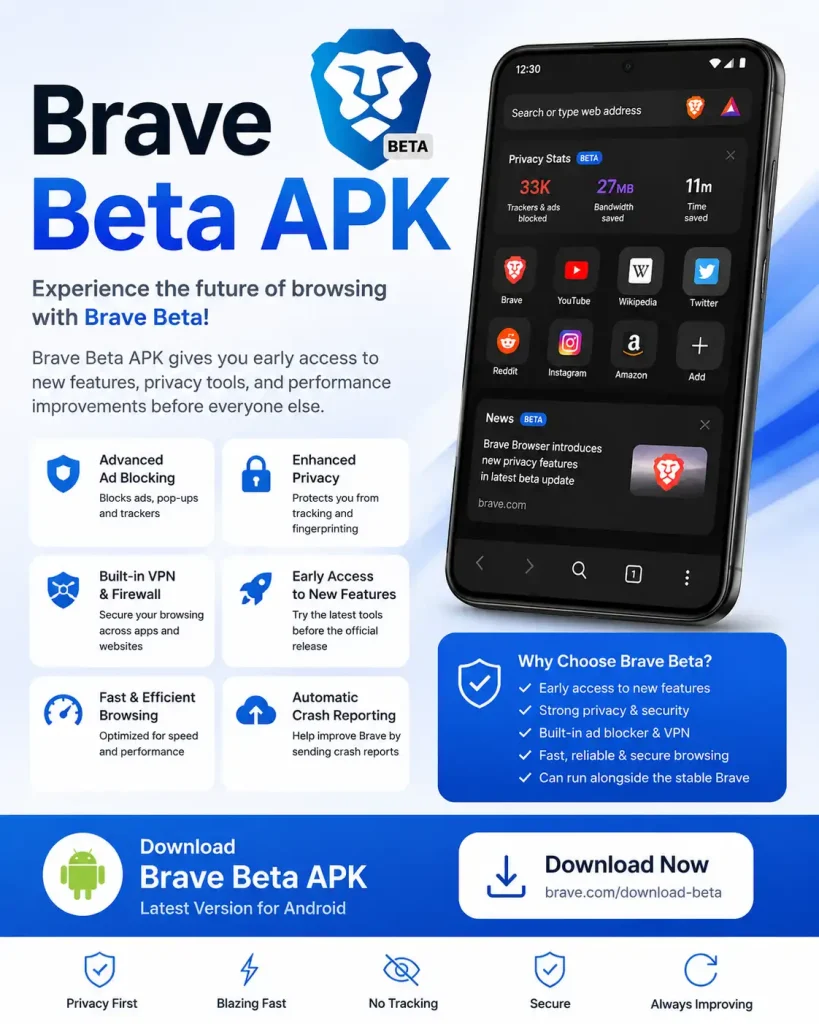
Key Features
Advanced Ad Blocking
Blocks intrusive ads, pop-ups, and trackers automatically to provide a faster browsing experience.
Enhanced Privacy Protection
Protects users from online tracking and fingerprinting while browsing the web.
Built-in Firewall and VPN
Includes optional Firewall and VPN features that help secure internet activity across apps and websites.
Early Access to New Features
Test upcoming browser tools and improvements before they are available in the stable Brave Browser.
Fast Browsing Performance
Optimized for speed, reducing page loading times and improving overall performance.
Separate Installation
Can be installed alongside the standard Brave Browser without replacing it.
Automatic Crash Reporting
Helps developers improve browser stability by sending crash reports when issues occur.
Secure Browsing Experience
Provides HTTPS upgrades, tracker blocking, and additional security protections.
Pros
- Access to upcoming Brave features
- Strong privacy and security tools
- Fast browsing performance
- Built-in ad blocker
- Can run alongside the stable Brave Browser
- Frequent updates
Cons
- May contain bugs or unfinished features
- Slightly less stable than the regular Brave Browser
- Some experimental features may not work correctly
How to Download Brave Beta APK?
- Visit the official Brave Beta download page.
- Download the latest version for Android.
- Enable “Install Unknown Apps” if installing manually.
- Install the APK file.
- Open Brave Beta and start browsing.
Our Experience
During testing, Brave Beta delivered excellent browsing speed and strong privacy protection. The ad blocker worked effectively, and pages loaded quickly. The browser remained stable for most daily tasks, although occasional minor bugs appeared due to its beta nature. Overall, it is a great choice for users who want to try new Brave features before the public release.
FAQs
Yes, Brave Beta is developed by Brave Software and includes the same core security protections as the stable browser.
Brave Beta receives upcoming features earlier, while the standard Brave Browser focuses on maximum stability.
Yes, many users use it daily, but occasional bugs may occur because it is still a testing version.